Product Guide
An implementation-level map of Far Reach Co. products and how they fit together.
What Is FRC?
|
Pricing
Product Stack
- VTT: real-time table canvas with layers, drawing, grid, and sharing.
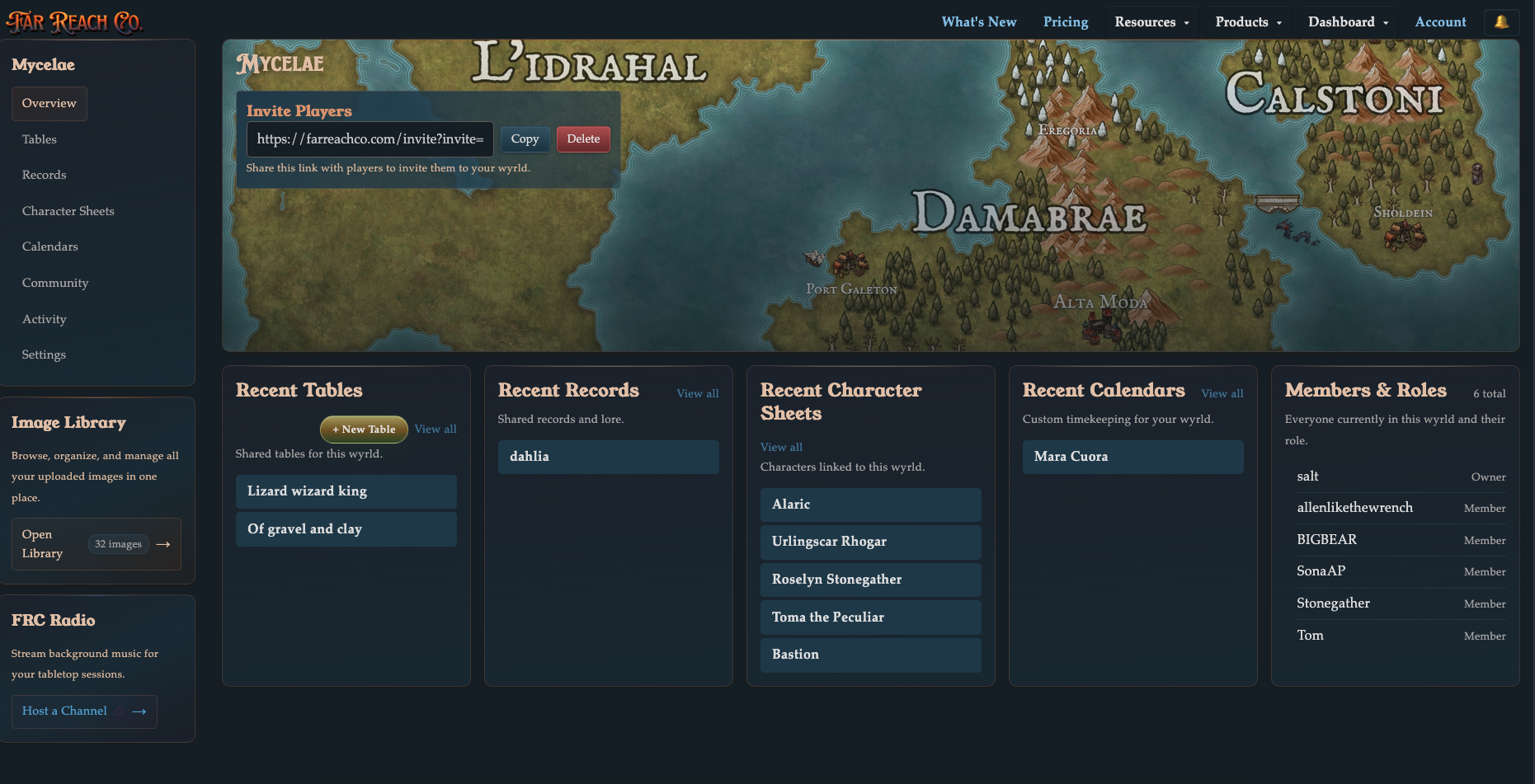
- Wyrlds: campaign spaces that organize tables, records, calendars, and linked sheets.
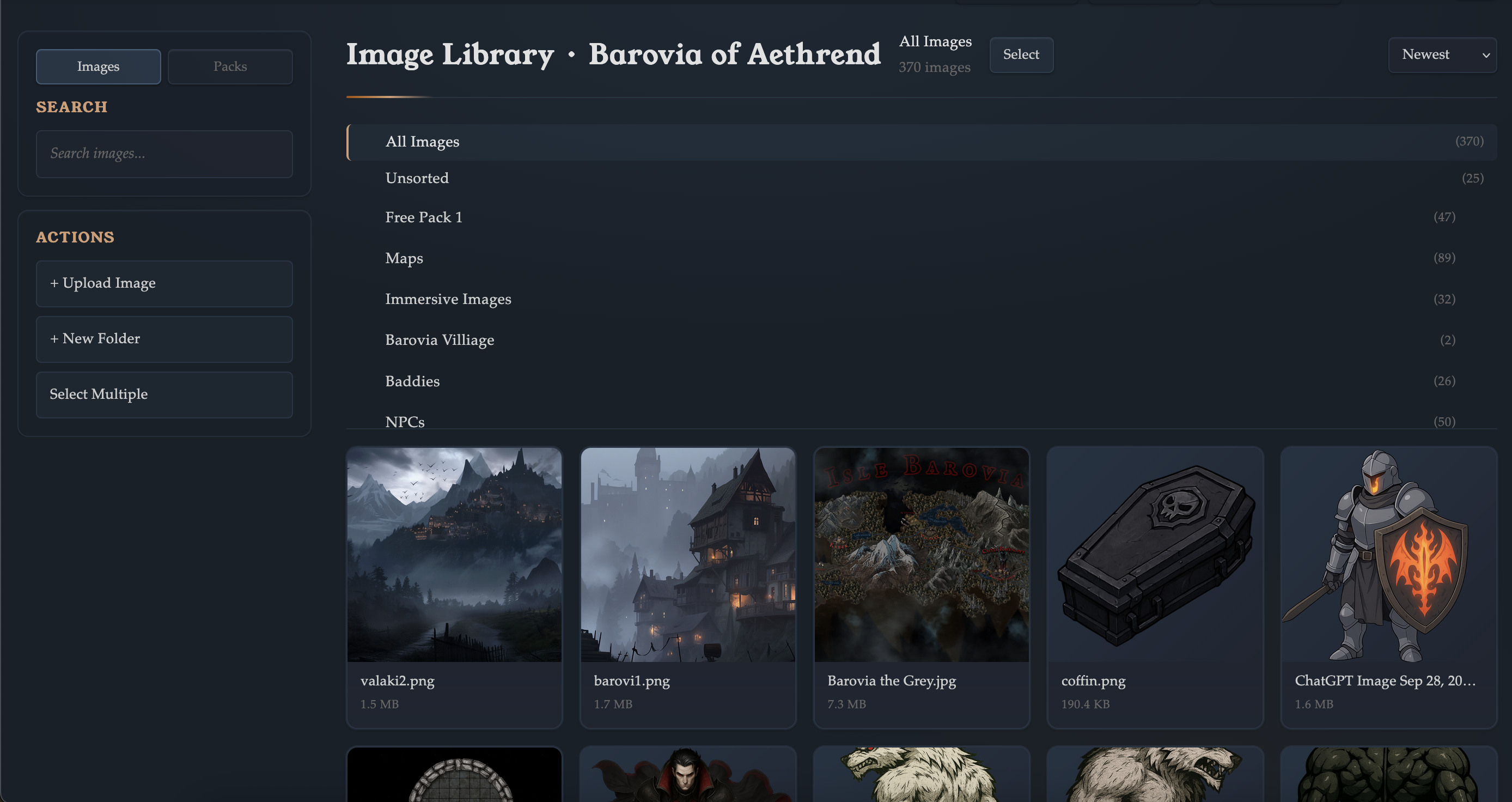
- Library: image and pack management across personal and Wyrld scope.
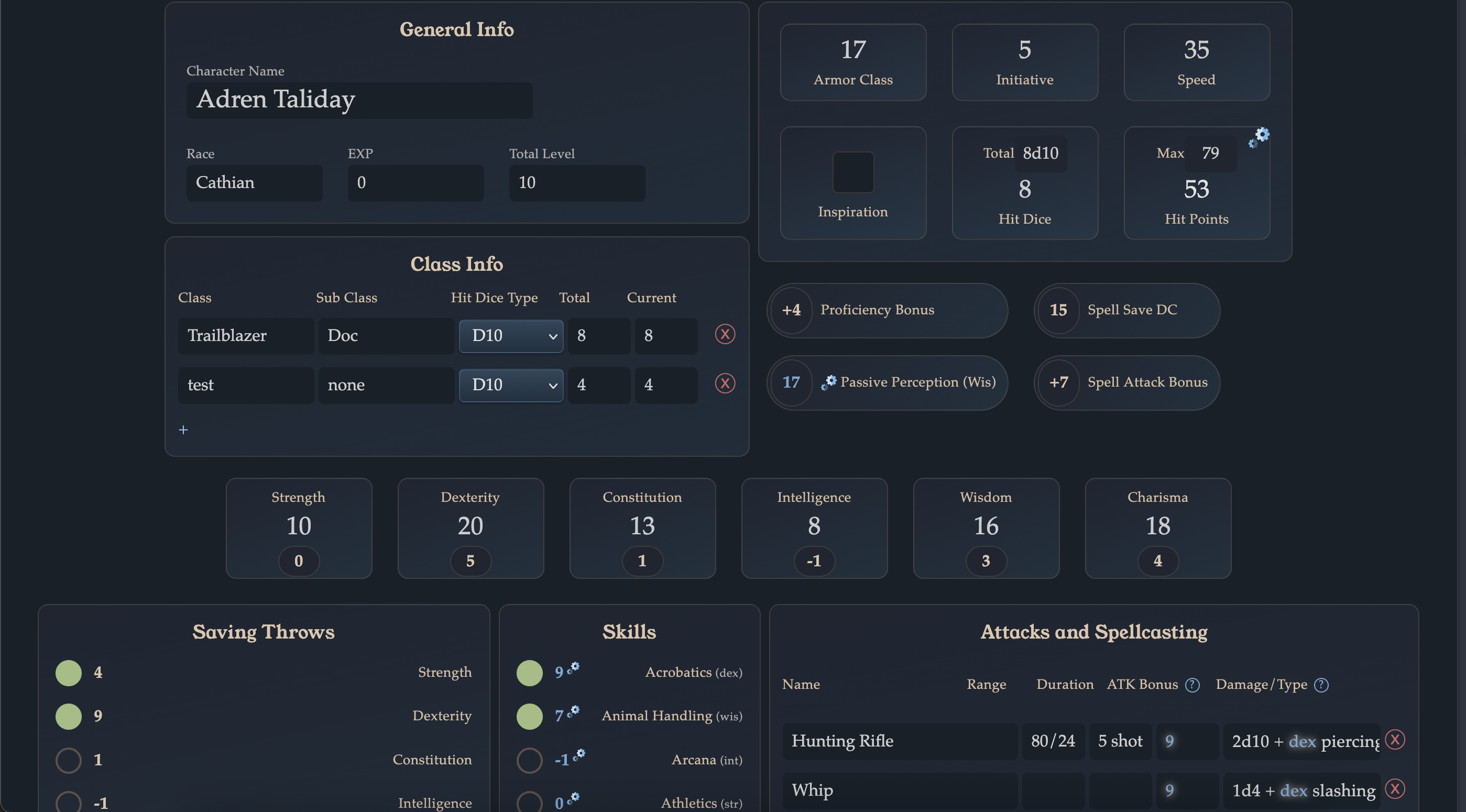
- 5E Character Sheets: live editable sheets with sharing and Wyrld linking.
- SRD + Resources: rules reference, tutorials, downloads, and bot resources.
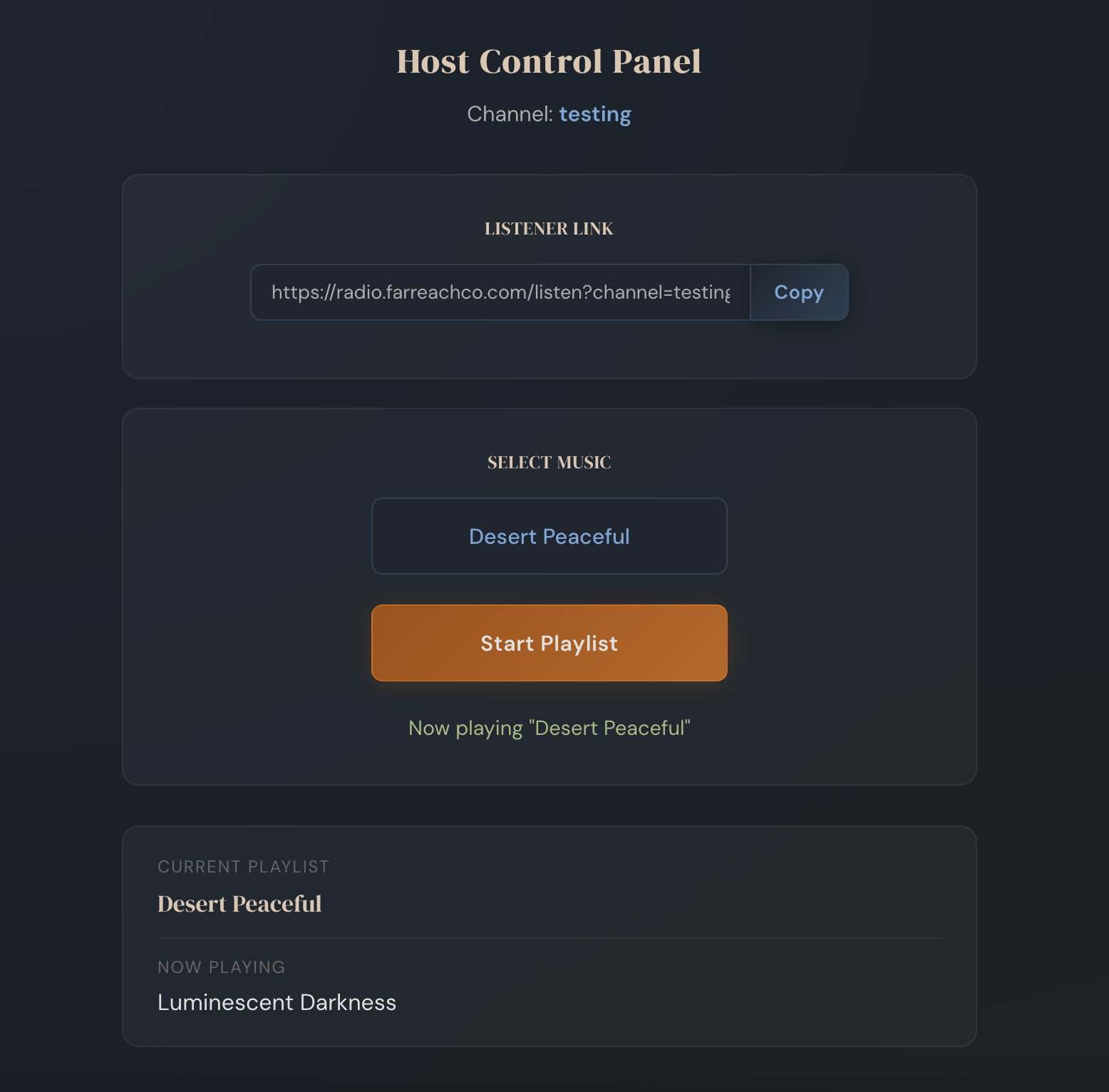
- Far Reach Radio: music channels for session ambience.
Virtual Tabletop
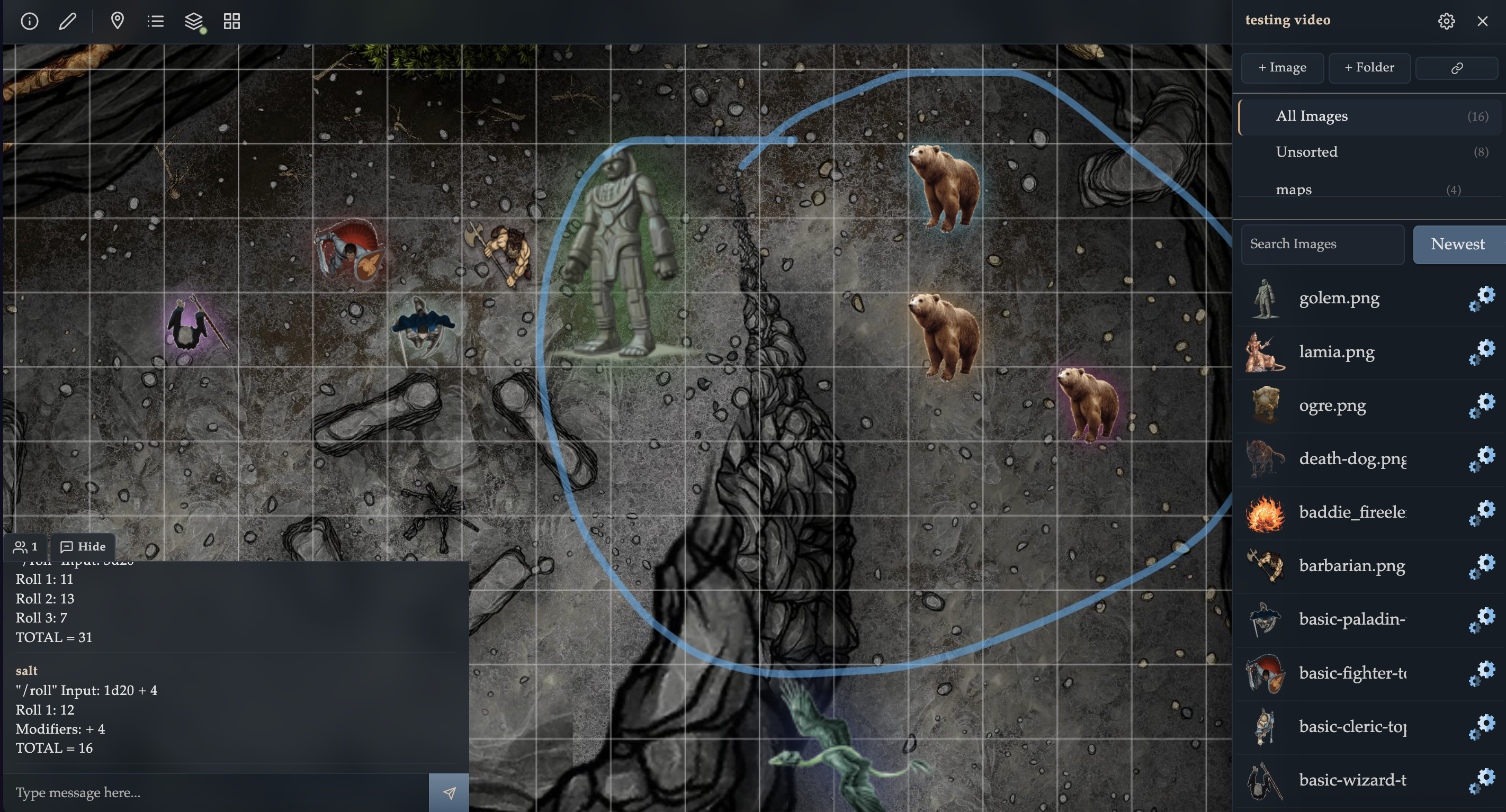
- Core play surface for maps, tokens, fog, and drawing tools.
- Supports both standalone table workflows and Wyrld-linked table workflows.
- Public/private behavior differs between user tables and Wyrld tables.
Start here: VTT Guide.
Wyrlds
- Persistent campaign containers for teams.
- Includes role-based permissions (owner, manager, member).
- Supports public listing controls for discoverable campaigns.
Start here: Public Wyrlds Guide and Wyrld Permissions Guide.
Library App
- Upload, organize, search, and sort image assets.
- Use folders and multi-select actions for prep speed.
- Library Packs add publish/install sharing workflows across scopes.
Start here: Library Guide and Library Packs Guide.
Character Sheets
- D&D 5E sheet app with multi-section editing and auto-save behavior.
- Invite-based collaboration and Wyrld editor access for linked sheets.
- Built-in printable export and duplication controls.
Start here: Character Sheet Guide.
SRD and Resource Layer
- Integrated SRD compendium for in-session lookup.
- Tutorials and downloadable assets for onboarding and faster prep.
- Bot resources for Discord-integrated workflows.
Start here: SRD Compendium and Tutorials.
Far Reach Radio
- Separate music service for channel-based session ambience.
- Useful alongside live VTT sessions.
Open: Far Reach Radio.
Suggested Starting Paths
- One-shot flow: Create table, upload assets in Library, run via VTT share link.
- Campaign flow: Create Wyrld, add tables/records, connect character sheets, organize shared Library assets.
- Prep flow: Build packs in Library, discover/install reusable packs, then launch VTT session.